Play chess online free
OppsGo Chess Duel is free chess that opens straight in your browser on a phone, tablet, Chromebook, or PC. There is nothing to install and no account needed to start: tap Play and you get a board.
Pick how you want to play. Five AI levels go from a gentle first opponent up to a rival that punishes loose pieces. The daily rival is the same for everyone today, so you can compare results with friends, and your streak stays on this device. Two players can pass one phone, or open Play online, make a private room, and send the code to a friend.
Games to try
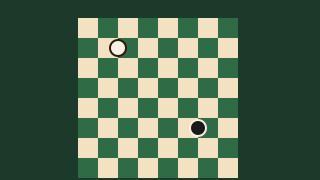 OppsGo Chess DuelFive AI levels, a daily rival, two players, or an online room.
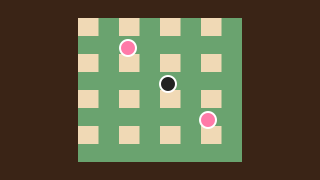 Crown CheckersJump, take, and crown a king. Daily rival, AI levels, or two players.
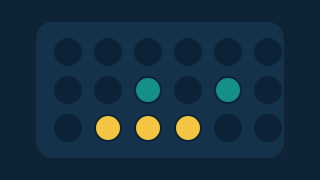 Row FourDrop discs and line up four before your rival does.
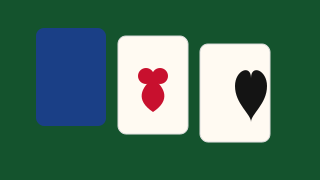 OppsGo Daily KlondikeKlondike solitaire: draw one or three, undo, and hints.
How to play
- Open Chess Duel and tap Play for today's daily rival, or pick an AI level.
- Drag a piece, or tap it and then a highlighted square. A ring means you can take that piece.
- Check, castling, en passant, and promotion follow the normal rules of chess.
- Win to grow your daily streak, then share the result or challenge a friend.
Quick tips
- New to chess? Start on the first AI level and tap Hint when you are stuck.
- Develop knights and bishops early and castle before you attack.
- Playing a friend online? Make a private room and send the code.
FAQ
Is OppsGo Chess Duel free?
Yes. Chess Duel is free to play in the browser. There is no download and nothing to buy to play.
Can I play chess online with a friend?
Yes. Open Play online and make a private room, then send the room code to your friend. You can also pass one device back and forth for two players.
Do I need an account?
No. You can play as a guest right away. A free OppsGo name is optional if you want to keep coins and show up on leaderboards.
What is the daily rival?
Each day everyone gets the same chess rival. Beat it to keep your streak going. The streak is saved on the device you play on.